

Older MacBooks often slip into drawers or cupboards once they stop running the latest macOS version, but these machines still hold tremendous value—particularly for people who write, plan, research, or generally need a focused space away from the noise of modern devices. With a few thoughtful tweaks, an ageing MacBook can become a powerful, distraction-free productivity companion that rivals many new machines in day-to-day usefulness.
Modern laptops tend to be overloaded with apps, notifications, and background services. Social feeds ping constantly, browsers open dozens of tabs, and the operating system itself nudges you with reminders, sync requests, and update alerts. None of this helps productivity. In fact, many writers, remote workers, and students deliberately seek quieter spaces—tools that get out of the way and let them think clearly. An older MacBook is perfect for this purpose. The hardware may not benchmark like a newer model, but its reliability, battery efficiency, and focused simplicity make it an ideal device for deep work.
Why older MacBooks excel at focused work
Even if an older macOS version means missing a few of the latest features, the fundamentals remain strong: a high-quality keyboard, a comfortable display, and a stable operating system. macOS, even in earlier releases, offers good file organisation, reliable app performance, and a clean, distraction-free environment. When you strip the machine down to core functions—typing, researching, organising notes, managing spreadsheets—it becomes a dedicated thinking tool rather than a general-purpose computer constantly demanding your attention.
The keyboard alone is worth celebrating. Apple’s older scissor-switch designs are widely considered some of the best laptop keyboards ever produced, making long typing sessions far more comfortable than on many modern ultrabooks. For writers, journalists, and students, this is reason enough to keep an ageing machine in active service.
Optimising the system for peak efficiency
A few adjustments go a long way in extending the usefulness of an older MacBook. Removing heavy startup apps, disabling unnecessary background services, and keeping local storage lean all help maintain smooth performance. Something as simple as creating separate user profiles—one for writing, one for general browsing—can help maintain mental clarity and prevent distractions.
Lightweight office suites remain fully compatible with older macOS versions. Apple’s own Pages, Numbers, and Keynote run extremely well on earlier systems and offer everything most productivity users need. Third-party writing tools like Scrivener, Ulysses, and iA Writer also support older versions, turning the machine into a polished writing studio.
Around the midpoint of your setup process, it’s also worth considering whether a refurbished MacBook could serve as a dedicated productivity backup or low-cost alternative to your main machine. Refurbished units often match or exceed the performance of ageing personal laptops, offering a cost-effective way to create a reliable “work-only” device without the price tag of buying new.
Creating a distraction-free workflow
The beauty of using an older MacBook is that it naturally encourages focus. Without the latest social media apps, without AI-powered news feeds, and without persistent notification systems found in newer macOS versions, the environment becomes inherently calmer. Many writers intentionally disconnect Wi-Fi during drafting sessions to keep the machine fully offline. With a few simple browser extensions—such as minimal start pages or tab-limiting tools—even online research becomes less chaotic.
For those who need structured organisation, the machine can serve as a hub for documents, research libraries, and planning tools. Apps like Notebooks, Evernote (older versions), and DevonThink still work smoothly on many legacy systems. They enable archiving research, storing PDFs, organising chapters, or managing academic material without demanding constant connectivity.
Hardware tuning and physical upgrades
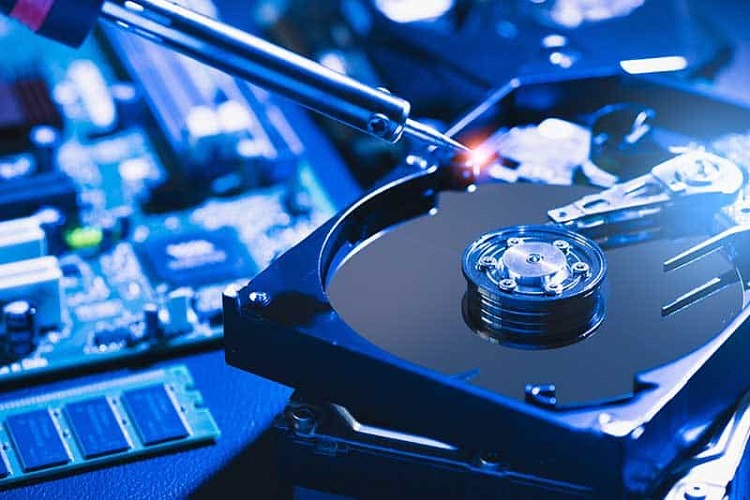
Older MacBooks often benefit from lightweight physical upgrades. Replacing the original hard drive with an SSD gives a dramatic boost in responsiveness. Increasing RAM—if your model supports it—extends the machine’s lifespan for years. Even something as simple as cleaning the fans, refreshing thermal paste, or replacing an aging battery can revive the machine and make it feel unexpectedly modern.
External accessories can enhance the writing environment further. A basic laptop stand improves ergonomics during long writing sessions. A silent mouse, a compact external keyboard, or a portable monitor can create a more flexible workspace. Because productivity tasks consume little power or processing load, even a decade-old MacBook can comfortably drive these peripherals.
Mobility and practicality
One of the biggest advantages of using an older MacBook for productivity is its mobility. Since the machine is not your primary device, you can take more liberties with where you use it— cafés, trains, libraries, or quiet corners of the house. There’s less fear of damage, theft, or battery strain. It becomes a tool you can carry without stress.
Writers and students often find that having a “work-only” device improves mental discipline. When you open the MacBook, it serves a single purpose: to get things done. By contrast, a newer all-purpose laptop invites multitasking and distraction. The psychological barrier is lower on a dedicated device; you’re less tempted to browse, shop, or chat when the machine isn’t set up for those things in the first place.
Students gain a reliable offline study companion. Freelancers get a stable machine for client work without tying up their main laptop. Journalists and bloggers gain a portable writing station they can take anywhere. Remote workers get a secondary screen for meeting notes or research. Even business users find value in having a separate device for documentation, planning, or long-form correspondence.
A second life for a capable machine
An older MacBook may not run the newest apps, but as a writing and productivity tool, it remains remarkably capable. The core strengths—keyboard, display, stability, and efficiency—still hold up years later. With intentional setup, a lean configuration, and a focus on essential tasks, it can become one of the most valuable devices in your workflow.